
How to Make Matching Animal PFPs
Make two matching animal profile pictures with a shared color palette, material or accessory. Customize and export each avatar separately.
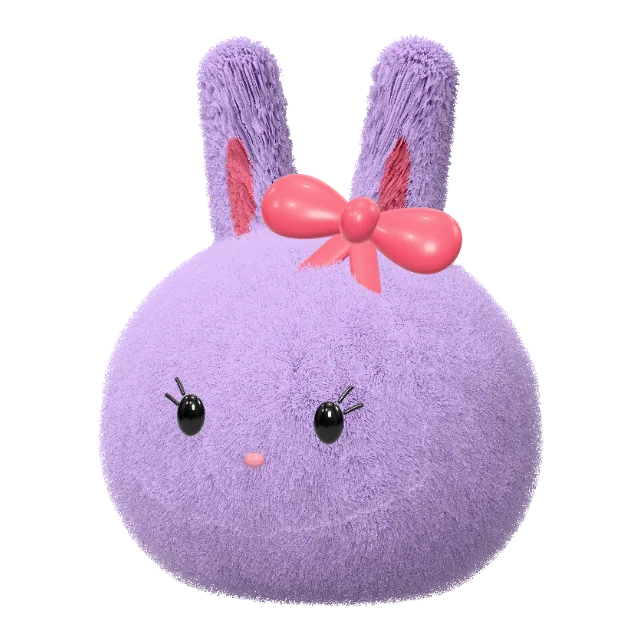
Matching animal PFPs can share a style while giving each person their own character. Try a bunny and a cat with the same plush material, or use two versions of the same animal with different colors. You will create and export each avatar separately.
Choose what connects the two avatars
Pick one or two details to repeat: a material, a color palette or an accessory. For example, use pastel colors and the same style of glasses on both characters. Keeping the connection simple makes the pair easier to recognize when profile pictures appear small.
You do not need identical animals. Start with the cat avatar maker for one person and a bunny in the 3D avatar editor for the other.
Make the first avatar and keep its settings
- Choose the animal shape and customize its color, material and face.
- Add the shared accessory, then rotate the character to choose a clear front or three-quarter view.
- Use Share to copy the current preset link, or save it to My collection before changing the character. The collection stays in this browser on this device; it does not sync to another account.
- Sign in and export a PNG. Keep the downloaded file so you can compare it with the second avatar.
Make the second avatar
Open the saved preset link to start from the same settings, then change the animal or the details that should belong to the second person. Keep the shared material or palette. Compare the framing and face size with the first PNG, and export the second image when the pair feels consistent.
Single PNG exports cost 2 credits each, so downloading one image for each person uses 4 credits in total. Editing and previews are free. This workflow is manual; there is no automatic two-avatar generator.
Check both profile crops
When using the pair on Discord, upload each file to its own profile and preview the circular crop. Give ears and hats room inside the circle, and compare both avatars at a small size. See the Discord PFP maker guide for the creation and upload steps.
The downloads are static PNG images. For a coordinated avatar and banner for one character, use the asset pack workflow instead. Check export credit plans if you need more downloads.