
Cat Avatar Maker for Cute 3D Cat PFPs
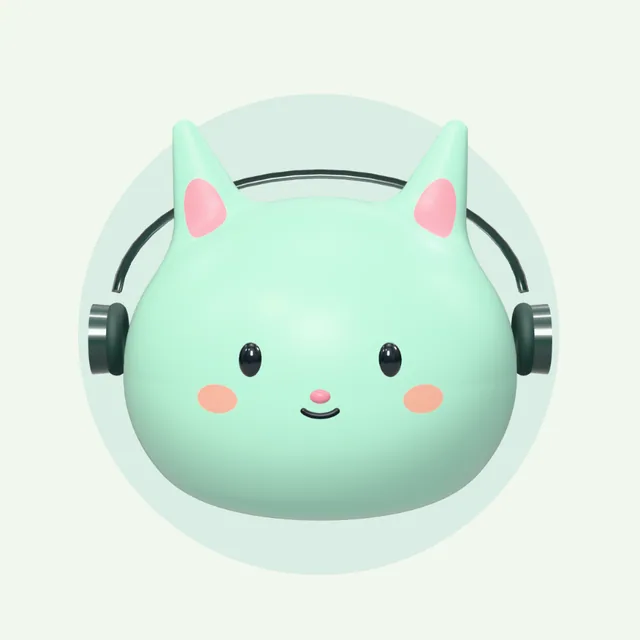
Make a cat PFP from a customizable 3D character. Start with a golden vinyl cat in sunglasses or a mint cat with headphones, then choose colors, expressions and accessories. Preview for free and export a transparent PNG with credits.
Customize this catEditing and previews are free. Sign up for 10 credits; each PNG or HTML export costs 2 credits.
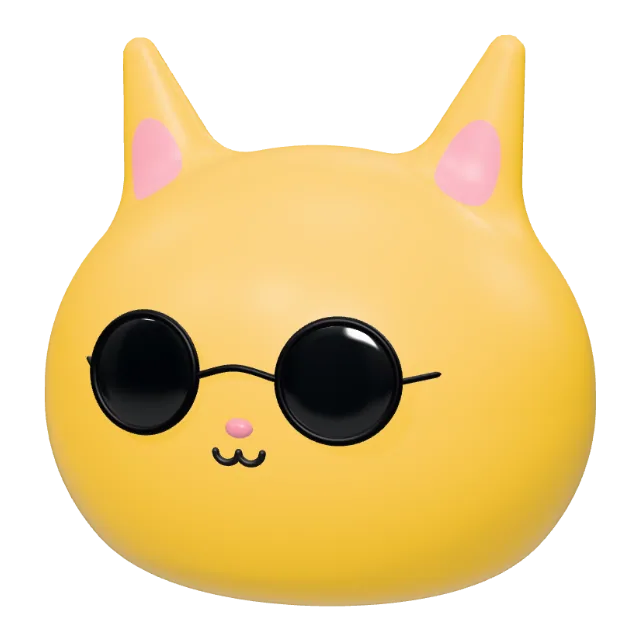
Customize your cat avatar
Colors and expressions
Keep the cat shape while adjusting its color, eyes, mouth and blush. Try a cheerful smile or sleepy eyes to change its mood.
Plush, clay or vinyl
Preview different materials on the same character. A plush finish feels soft; vinyl has a toy-like shine; clay gives it a matte look.
A cat PFP for Discord or your designs
Export a 1024 × 1024 PNG with a transparent background. Place your cat on a background of your choice, or keep a rotatable HTML version.
How to make a cat avatar
- 01
Open the cat preset
Choose “Customize this cat” to load the shown cat into the studio. Keep the cat shape as your starting point.
- 02
Give your cat a personality
Try another color or material, change the expression, and add a hat, glasses or a bow. Rotate the preview to check your choices.
- 03
Export your character
Sign in and use credits to download a transparent PNG for a profile picture, or HTML for an interactive character.
Cat PFP examples you can customize
Before you create your avatar
Put your avatar to use
Follow these guides to use your finished character in a profile, a design or a matching set of assets.