
Cute 3D
animal avatar maker.
Create a cute 3D animal avatar in your browser. Customize a cat, bunny or frog with colors, materials and accessories, and rotate the live preview. Make a Discord profile picture or a character for your designs. Editing is free; PNG and HTML exports use credits.
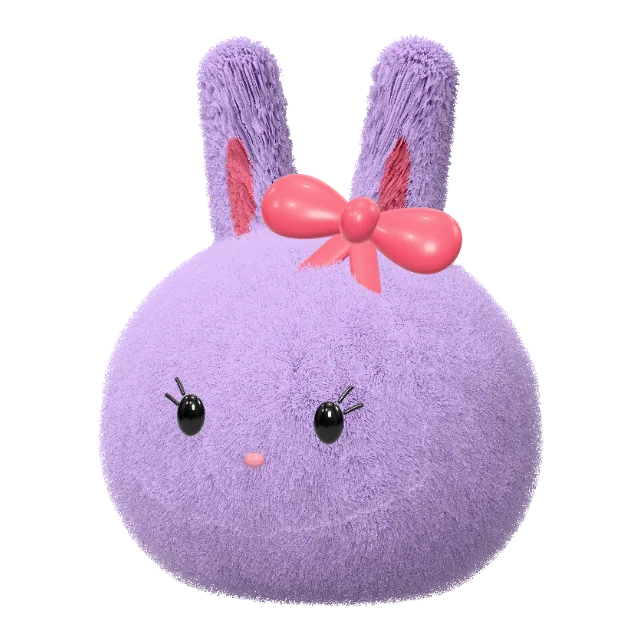
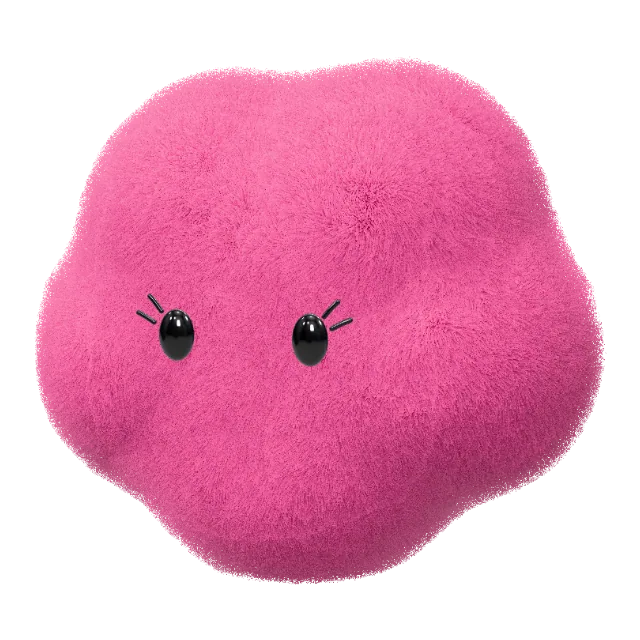
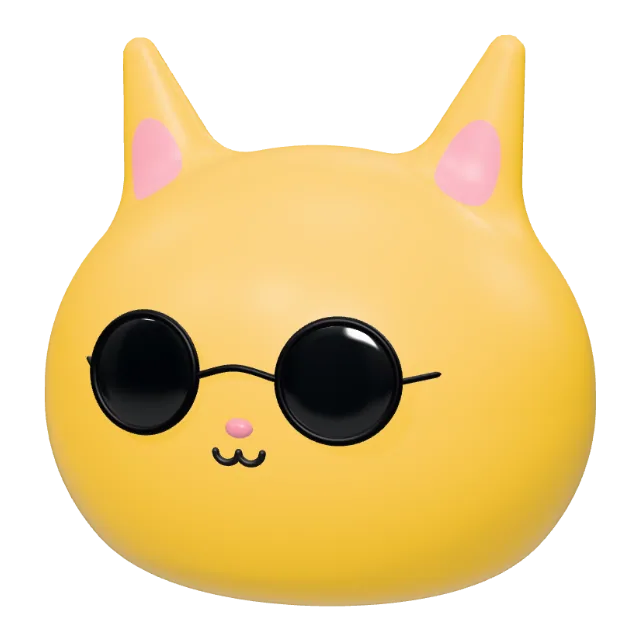
A whole bunch of little friends.
One that is completely you.
One character. A whole personal style.
Start with music, gaming or art. Customize a character, then make matching avatars, expressions and a profile banner.
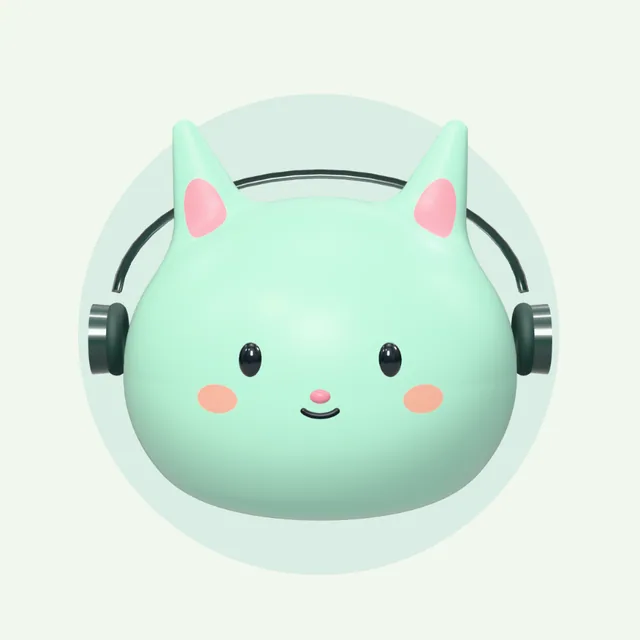
Mint Headphone Cat
Headphones on. Today's rhythm is yours.
3 avatars · 4 expressions · transparent character · bannerMake this pack yours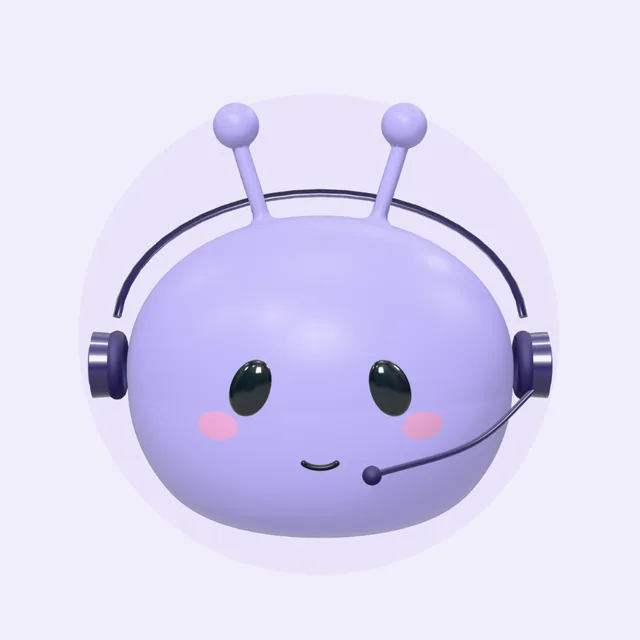
Midnight Space Alien
Another planet. Your own channel.
3 avatars · 4 expressions · transparent character · bannerMake this pack yours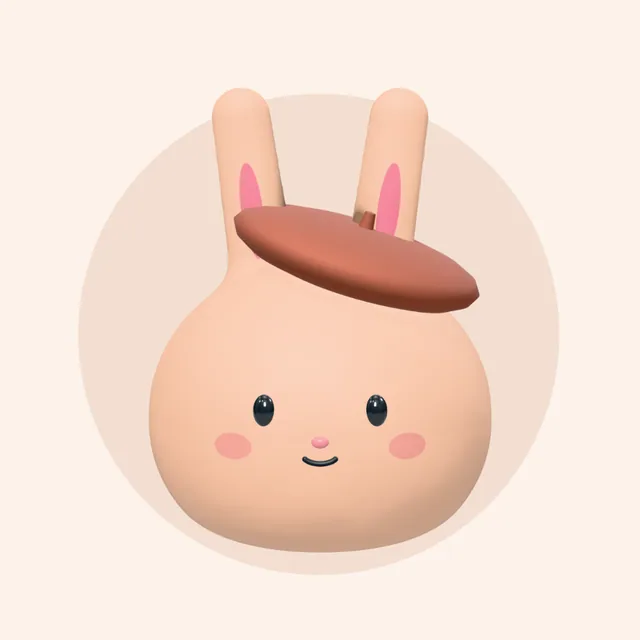
Peach Artist Bunny
Collect little ideas. Create your own world.
3 avatars · 4 expressions · transparent character · bannerMake this pack yoursEditing and pack previews are free. Sign in and use credits to download your personalized ZIP pack.
Cute 3D avatar examples
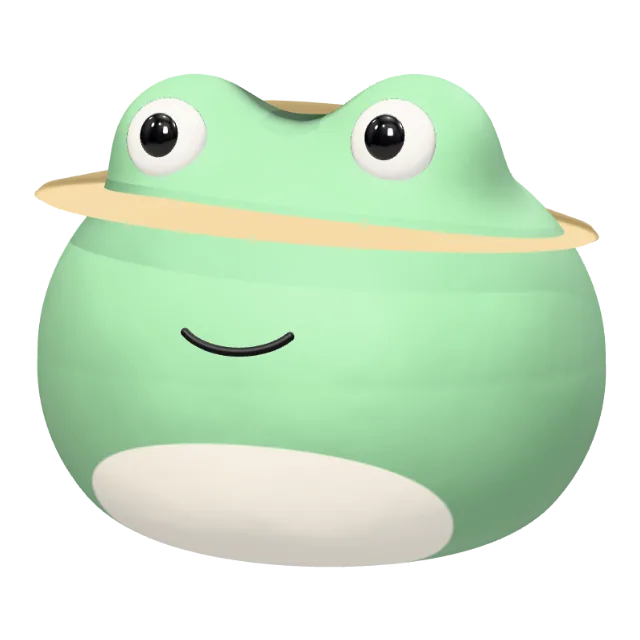
Try a plush bunny, a golden vinyl cat or a clay frog. Open a real preset in the 3D avatar editor and customize it for your next profile picture.
Cat avatars and Discord profile pictures
This 3D character creator helps you make cute animal profile pictures and transparent PNGs for your designs. Choose a cat avatar or follow the Discord PFP workflow below.
Create your own cute 3D character
Choose an animal or playful shape, customize its look and preview it from every angle. Sign in to export a PNG for your profile picture or an interactive HTML character with credits.
Find your form
A cloud, a bunny, a tiny alien? Follow your feeling.
Pick your palette
Choose a happy hue or mix a color all your own.
Add a little texture
Soft plush, glazed ceramic or something shiny.
Give it personality
Add glasses, a hat or a bow. Preview for free, then use credits to export your character.
Export a transparent avatar PNG or rotatable HTML
Use a PNG for your profile picture or design, and choose HTML when you want to view your character in 3D.
Transparent PNG for profiles and designs
Download a 1024 × 1024 avatar PNG with a transparent background. Place it over a colored background in your design tool, or upload it as a static profile picture and check the crop.
How to use a transparent avatar PNGA character you can rotate in HTML
Download an HTML page and open it in a browser to rotate your character. It needs internet to load the 3D library. Use PNG when you need an image to upload to a social profile.
Explore the studioEditing and previews are free. Sign in to download; each PNG or HTML export costs 2 credits. View plans and export credits
Put your avatar to use
Follow these guides to use your finished character in a profile, a design or a matching set of assets.
Cute Discord profile picture ideas
Try a plush bunny, headphone cat or clay frog, and choose a view that stays clear in a small profile circle.
How to use a transparent avatar PNG
Export your character, choose a background and check your profile crop.
How to make matching animal PFPs
Create two avatars with a shared palette or material, then export each separately.
Create a matching avatar and banner
Customize a theme and preview the nine PNG assets before downloading the pack.
3D avatar maker FAQ
Everything you need before you start making.
A little imagination goes a long way.
Your new favorite character is just a few clicks away.
Create your 3D avatar